Gamdom Casino payments run through one cashier that handles both cryptocurrencies and card-based or other fiat options. Deposits fund the same balance used across our casino, Originals, live casino and sportsbook, and withdrawals return winnings through the methods available on the account.
This page covers how our cashier works, how to deposit and withdraw step by step, what affects processing times, how verification fits in and how to keep every transaction safe.
Our Privacy Policy explains personal information and account data questions.
Inside the Gamdom Cashier
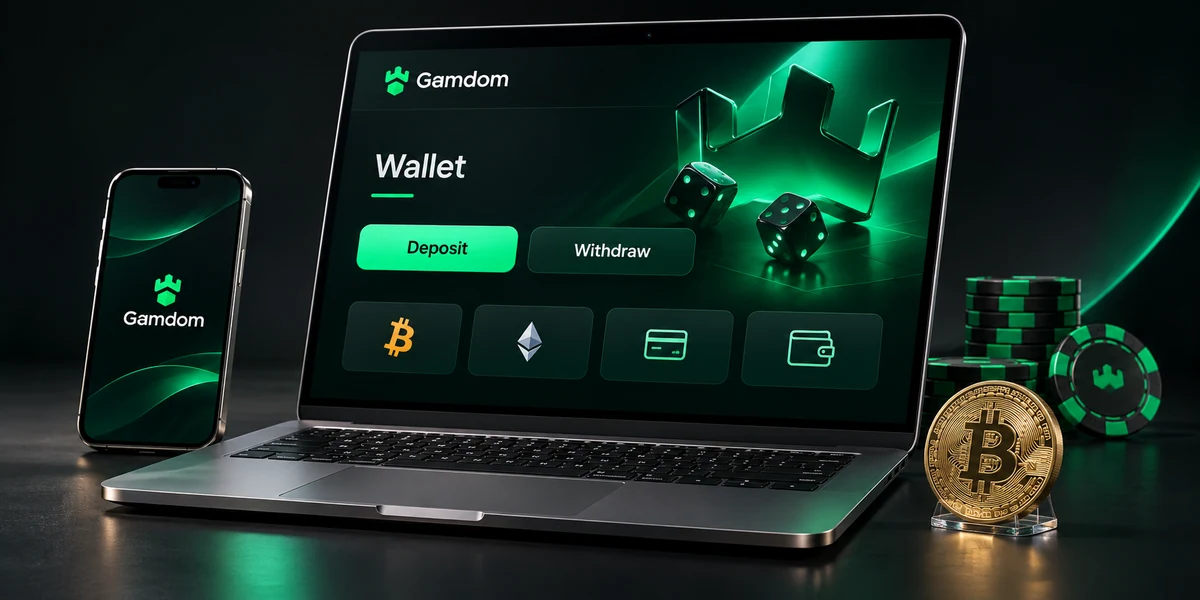
The cashier opens from the wallet icon at the top of every page once logged in. It has a few main sections.
- Deposit: Shows every deposit method available on the account, with limits
- Withdraw: Shows withdrawal methods, limits and any pending requests
- Balance: Displays the current balance and any bonus funds
- Transactions: Lists every deposit and withdrawal with status
The list of methods depends on the account region and can change over time. The cashier always shows the methods available at that moment, along with minimum and maximum amounts.
Payment Method Groups
Our cashier splits payment methods into two groups.
Cryptocurrency
Crypto payments move directly between a crypto wallet and our platform. The cashier shows supported coins and the networks each one uses.
- How deposits work: Send coins to the deposit address shown in the cashier
- How withdrawals work: Enter a wallet address and the amount to send
- Confirmation: Deposits credit after the required number of network confirmations
- Fees: Network fees are set by the blockchain, not by Gamdom
- Reversibility: Blockchain transfers cannot be reversed once sent
Card and Fiat Options
Card-based and other fiat options work through payment providers shown in the cashier.
- How deposits work: Enter the amount and complete the provider’s payment steps
- How withdrawals work: Available where the cashier shows a fiat withdrawal route
- Confirmation: Usually shown once the provider approves the payment
- Name match: The payment method must belong to the account holder
Comparing the Two Groups
| Point | Crypto | Card and fiat |
|---|---|---|
| Account needed | A crypto wallet | A card or supported provider account |
| Speed of deposit | Depends on network confirmations | Often quick once the provider approves |
| Value changes | Coin value can change against the pound | Stays in the currency used |
| Fees | Network fee set by the blockchain | Any provider fee shown by the provider |
| Reversal | Not possible after sending | Follows provider rules |
Our Terms and Conditions set out the conditions for accounts, games and payments.
How to Deposit at Gamdom Casino
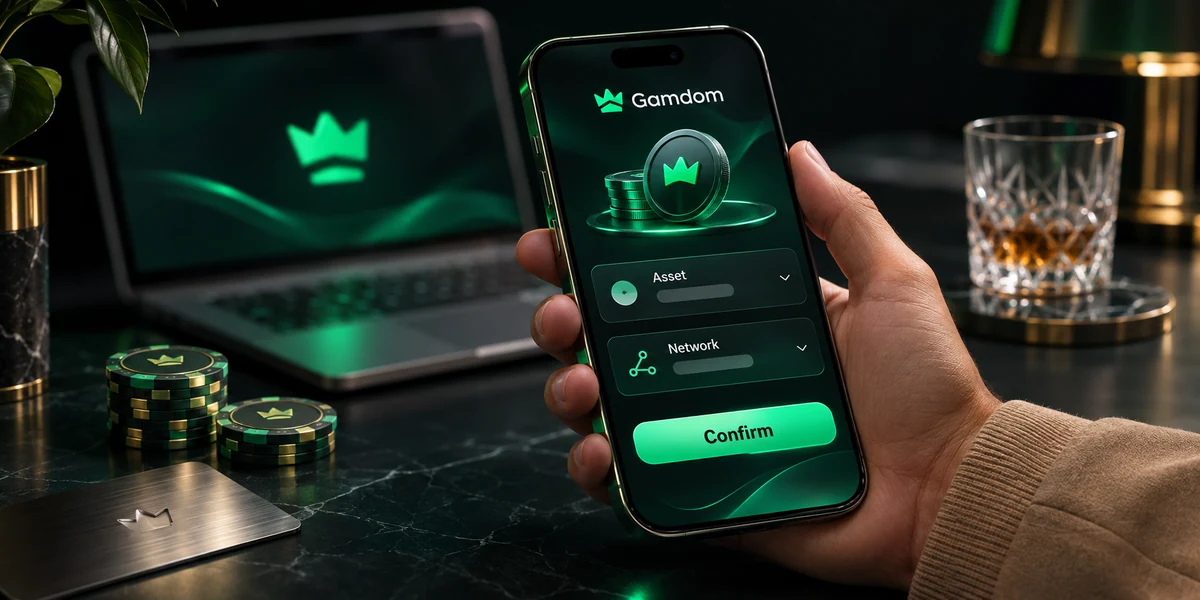
Crypto Deposit Steps
- Log in and open the cashier.
- Select Deposit.
- Choose the coin.
- Select the network shown in the cashier.
- Copy the deposit address or scan the QR code.
- Open the crypto wallet and paste the address as the destination.
- Enter the amount and check every detail.
- Send the transaction.
- Wait for the required confirmations. The deposit then appears in the balance.
Card and Fiat Deposit Steps
- Log in and open the cashier.
- Select Deposit.
- Choose the card or fiat option.
- Enter the amount within the limits shown.
- Complete the payment provider’s steps, which may include a bank app check.
- Return to the cashier once the payment is approved.
- Check that the balance has updated.
Deposit Checklist
Before sending any deposit, a quick check prevents most problems:
- Correct coin: Each address accepts one specific coin
- Correct network: A coin sent on the wrong network may not arrive
- Full address pasted: A missing character sends funds to the wrong place
- Memo or tag added if requested: Some coins need a memo to credit the right account
- Amount above the minimum: Deposits below the minimum may not credit
- Payment method in own name: Payment methods belonging to someone else are not allowed
From Deposit to First Bet
Once a deposit credits, the balance is ready across every part of our platform. A typical first session after depositing looks like this:
- Check the balance shown at the top of the screen.
- Confirm that the deposit limit in the account matches the plan for the period.
- Open our casino, Originals, live casino or sportsbook.
- Choose a stake size that fits the session budget.
- Return to the cashier at the end of the session to check the transaction history.
There is no need to move funds between wallets for different products. The same balance pays for a slot spin, a Crash round, a live blackjack hand or a football accumulator.
Our login page covers account access and sign-in security.
Understanding Network Confirmations
A crypto transaction is first broadcast to the network, then included in a block. Each new block added after that counts as another confirmation.
- Broadcast: The wallet sends the transaction to the network
- Pending: The transaction waits to be added to a block
- First confirmation: The transaction is included in a block
- Further confirmations: More blocks are added on top
- Credited: The required number of confirmations is reached and the deposit appears
Time to confirm depends on the coin and how busy the network is. A busy network or a low network fee chosen in the wallet can slow things down.
Tracking a Crypto Deposit
- Copy the transaction hash (TXID) from the wallet.
- Paste it into a public block explorer for that coin.
- Check the number of confirmations.
- If the required confirmations are reached and the deposit has not appeared, contact our support team with the TXID.
How to Withdraw from Gamdom Casino
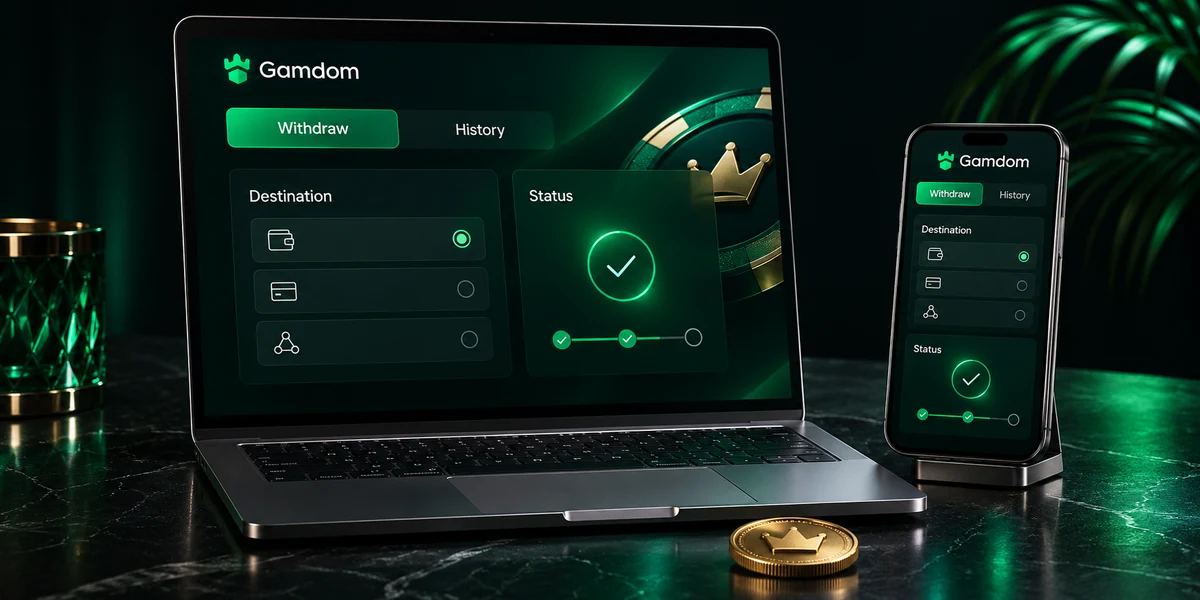
Withdrawal Steps
- Log in and open the cashier.
- Select Withdraw.
- Choose the withdrawal method.
- For crypto, select the coin and network, then paste the wallet address.
- Enter the amount within the limits shown.
- Confirm the request, including any two-factor authentication code.
- Follow the request in the transaction history.
Withdrawal Statuses
- Requested: The withdrawal has been submitted
- Under check: Security and account checks are running
- Awaiting verification: Documents are needed before release
- Processing: The payment is being sent
- Completed: The payment has been sent
- Declined: The request could not be completed. The reason can be confirmed by support
Large Withdrawals
Larger withdrawals may be paid in several instalments rather than as one payment. When this applies, each instalment appears in the transaction history so progress can be followed. Our support team can explain the schedule for any specific request.
What Affects Withdrawal Time
- Method: Crypto and fiat routes have different processing steps
- Amount: Larger amounts may need extra checks or instalments
- Verification: Outstanding documents pause the request until checks are complete
- Network conditions: Busy blockchains can slow crypto delivery
- Account activity: Unusual activity may lead to extra security checks
- Bonus status: Active bonus funds with wagering cannot be withdrawn until the terms are met
Tips for Smooth Withdrawals
- Complete verification early, before the first withdrawal.
- Use a wallet address controlled by the account holder alone.
- Double-check the coin and network before confirming.
- Avoid cancelling and re-requesting, as this can restart checks.
- Keep two-factor authentication switched on.
Our sportsbook page explains sports markets, selections and settlement rules.
Choosing Between Crypto and Fiat
Both groups of methods fund the same balance. The better choice depends on what matters most to each player.
| Priority | Better fit | Reason |
|---|---|---|
| Already holds crypto | Crypto | No need to convert to pounds first |
| Wants stable value in pounds | Card or fiat, or a stablecoin where supported | Avoids price swings between deposit and withdrawal |
| New to crypto | Card or fiat | Fewer new steps to learn |
| Wants to control payments from a personal wallet | Crypto | The wallet holder decides every transfer |
| Wants payment records in a bank statement | Card or fiat | Transactions appear on the usual statement |
Some players use both, for example funding with a card and keeping a crypto wallet for other purposes. Every method used must belong to the account holder.
Setting Up a Crypto Wallet for the First Time
For players new to crypto, these steps set up a wallet safely before making a first deposit.
- Choose a wallet type. Mobile wallet apps are simple to start with. Hardware wallets give extra security for larger amounts.
- Download from an official source. Use the official app store or the wallet maker’s own website.
- Create the wallet. The app creates a new wallet and shows a recovery phrase.
- Write the recovery phrase down. Store it offline, in a safe place. Never save it in a photo, email or note app.
- Set a PIN or password. Protect the wallet app itself.
- Buy or transfer coins. Coins usually come from a crypto exchange.
- Send a small test amount. A small first deposit to Gamdom confirms that the coin, network and address work as expected.
Losing the recovery phrase can mean losing access to the wallet. Sharing it with anyone gives them full control of the funds.
After a Withdrawal Is Requested
Each withdrawal moves through a set path. This timeline shows the stages in order.
| Stage | What happens | Player action |
|---|---|---|
| 1. Submitted | The request enters the system | Note the request in the transaction history |
| 2. Account checks | Balance, bonus status and account activity are checked | None, unless a message arrives |
| 3. Verification | Documents are requested if needed | Upload any requested documents promptly |
| 4. Approval | The request is approved for payment | None |
| 5. Sending | Funds are sent, in instalments for some large amounts | Watch the wallet or account for arrival |
| 6. Completed | The status changes to completed | Check the amount received |
For crypto, the TXID appears once funds are sent, so arrival can be tracked on a block explorer.
Keeping Payment Records
Clear records help with budgeting and make support questions quicker to solve.
- Take a screenshot or make a note of the transaction history at the end of each month.
- Note the pound value of crypto deposits and withdrawals on the day they happen.
- Keep TXIDs for every crypto transfer.
- Compare total deposits with total withdrawals to see the real cost of play.
- Check that deposit limits still match the monthly budget.
Our bonuses and rewards page explains promotional eligibility and reward conditions.
Verification and Payments
Verification links each payment to the right person. It protects players from fraud and helps us meet our legal duties.
When Verification Comes Up
- Before the first withdrawal or a larger withdrawal.
- When a new payment method is added.
- When account details change.
- During routine security checks.
Documents for Payment Verification
- Photo ID: Passport, photo driving card or national ID card confirming name and age
- Proof of address: A recent utility bill or bank statement
- Proof of payment method: A card photo with the middle digits covered, or a screenshot showing ownership of a wallet or e-wallet
- Source of funds: Payslips, bank statements or similar, in some cases
Uploading Documents
- Open the account menu and select Verification.
- Choose the document type.
- Upload a clear colour photo or scan showing all four corners.
- Submit and wait for the result, which appears in the account.
- Reply to any request for extra documents.
Blurry photos, cut-off edges or expired documents are the most common reasons for a new upload request.
Card Payments and UK Banks
Card payments to gambling sites depend on the card issuer as well as on our cashier. A few points are worth knowing for UK cardholders:
- Gambling blocks. Many UK banks offer a gambling block in their app. When it is switched on, card payments to gambling sites are declined. This is a useful tool for anyone wanting to stop gambling spending.
- Issuer declines. Some issuers decline gambling payments by policy, even without a block.
- Security checks. The bank may ask for confirmation in its app before approving a payment.
- Card type. Some card types cannot be used for gambling payments at all.
If a card payment is declined and no gambling block is active, the card issuer can explain the reason.
Bank Gambling Blocks as a Safety Tool
A bank gambling block works alongside our own limits and self-exclusion. Using both gives two layers of control: one on the Gamdom account and one at the bank. Some banks add a cooling-off period before the block can be removed, which helps prevent decisions made on impulse.
Our Contact Us page explains the available support routes and useful account references.
Why Ownership Checks Matter
Every payment method must belong to the person who owns the Gamdom account. This rule exists for clear reasons:
- Fraud prevention: Stops stolen cards or wallets from being used
- Account security: Makes it harder for anyone else to move money in or out of the account
- Legal duties: Helps us meet anti-money laundering rules
- Clean withdrawals: Ensures winnings return to the account holder
Using a family member’s card or a friend’s wallet, even with permission, breaks this rule and can delay or stop withdrawals.
Balance Display
The balance at the top of the screen shows funds available for play. Where bonus funds are active, the cashier separates them from the main balance, so it is always clear which part can be withdrawn.
- Main balance: Can be used for play: Yes. Can be withdrawn: Yes, subject to checks.
- Bonus funds with wagering: Can be used for play: Yes, on eligible games. Can be withdrawn: Only after the bonus terms are met.
- Pending withdrawals: Can be used for play: No. Can be withdrawn: Already requested.
Payment Security
Every payment at Gamdom Casino passes through layers of protection.
- HTTPS encryption: Payment and account data travel over encrypted connections
- Two-factor authentication: A code is needed at login and for sensitive actions such as withdrawals
- Ownership checks: Payment methods must belong to the account holder
- Withdrawal checks: Requests are checked before release
- Session security: Inactive sessions log out after a period of time
Avoiding Payment Scams
- Only make deposits through the cashier inside the logged-in account.
- Never send funds to an address shared by email, chat apps or social media.
- Our team will never ask for a password, two-factor code or wallet recovery phrase.
- Check the website address in the browser before logging in.
- Report any suspicious message to our support team.
A wallet recovery phrase gives full control of the wallet. Nobody genuine will ever ask for it.
Our casino games page explains the formats available across the lobby.
Managing Spending Through the Cashier
The cashier links directly to the responsible gambling tools in the account.
- Deposit limit: Blocks deposits above the chosen amount for a day, week or month
- Loss limit: Stops play once net losses reach a set amount
- Wager limit: Caps total stakes over a period
- Time-out: Pauses the account, including deposits, for a chosen period
- Self-exclusion: Blocks access for a longer period
Lowering a limit takes effect straight away. Raising or removing a limit may involve a waiting period, which gives time to think the decision over.
Planning Deposits
A simple plan keeps deposits under control. This fictional example shows the idea:
- Monthly entertainment budget: 120
- Monthly deposit limit set to match: 120
- Planned deposits: Four deposits of 30, one each week
- Rule: No extra deposits once the monthly budget is used
Crypto Value and Budgeting
Crypto prices move up and down against the pound. For players thinking in pounds:
- Note the pound value of each deposit at the time it is sent.
- Note the pound value of each withdrawal when received.
- Keep in mind that changes in coin value can affect the real result, apart from any wins or losses.
- Some players use stablecoins, where supported in the cashier, because their value aims to track a set currency more closely.
Records of deposits and withdrawals in pounds give a clearer view of real spending.
Fixing Common Payment Problems
- Crypto deposit not credited: Check confirmations on a block explorer with the TXID. If confirmed, contact support with the TXID
- Wrong network used: Contact support at once with the TXID, coin and network. Recovery is not always possible
- Missing memo or tag: Contact support with the TXID and the memo that should have been used
- Card payment declined: Check with the card issuer, as some issuers block gambling payments
- Withdrawal pending a long time: Check for verification requests in the account, then contact support
- Deposit below minimum: Contact support. Amounts below the minimum may not credit automatically
- Wrong withdrawal address: Contact support at once. Crypto transfers that have already been sent cannot be reversed
Information to Give Support
- Username: The account name
- Transaction type: Deposit or withdrawal
- Method: Coin and network, or fiat option
- Amount: The amount sent or requested
- TXID: The blockchain transaction hash for crypto
- Time: Approximate date and time of the transaction
- Screenshot: Any error message or wallet screen
Our main Gamdom Casino page brings the casino categories and account information together.
Payments on Mobile
The cashier works fully in mobile browsers on Android and iOS.
- Tap the wallet icon at the top of the screen.
- Choose Deposit or Withdraw.
- For crypto, copy the address with the copy button or scan the QR code with another device.
- For mobile wallets on the same phone, paste the address into the wallet app.
- Return to the browser to check the balance.
Using the copy button rather than typing the address removes the risk of typing errors.
Payment Glossary
- Deposit address: The crypto address shown in the cashier for receiving a deposit
- Network: The blockchain a coin moves on
- Confirmation: A block added on top of the block containing the transaction
- TXID or hash: The unique ID of a blockchain transaction
- Memo or tag: An extra field some coins need to credit the right account
- Stablecoin: A coin designed to track the value of a set currency
- Network fee: The fee paid to the blockchain to process a transaction
- Recovery phrase: The secret words that control a crypto wallet
- Instalment: One part of a large withdrawal paid in several payments
Read About Gamdom Casino for an introduction to our platform and casino categories.
Gamdom Casino Payment FAQ
1.Which payment methods does Gamdom Casino accept?
Our cashier supports cryptocurrencies and card-based or other fiat options. The full list for the account appears in the cashier.
2.Is there a minimum deposit?
Each method has its own minimum, shown in the cashier next to the method.
3.How long does a crypto deposit take?
A crypto deposit credits once the required network confirmations are reached. Timing depends on the coin and how busy the network is.
4.Are there fees on deposits?
Crypto deposits involve a network fee set by the blockchain. Fiat payment providers may show their own fees. Any fee from the provider is shown during the payment steps.
5.How long do withdrawals take?
Time depends on the method, amount, verification status and network conditions. The transaction history shows the status of every request.
6.Why is a withdrawal being paid in parts?
Large withdrawals may be paid in instalments. Each part appears in the transaction history.